999bt App — Play Casino & Cricket
Straight from Your Phone
The 999bt app puts your full account in your pocket. Download the Android APK directly — no app store needed. Version 3.4.6, free, 28 MB. Works with bKash, Nagad, Rocket, and Upay right inside the app.
- Scanned & Safe
- Android 6.0+
- 28 MB
- bKash / Nagad
- 18+ Only
 Scan to download
App vs Browser: What Actually Changes
Both the 999bt casino browser version and the native app connect to the same account and wallet. The difference is in speed, comfort, and a few features that only work in the app.
| Feature | 999bt App | Mobile Browser |
|---|---|---|
| Push notifications for match results & promos | Yes | No |
| One-tap bKash / Nagad deposit | Yes | Manual copy |
| Offline bet-slip drafts saved locally | Yes | No |
| Biometric login (fingerprint / face) | Supported | Not available |
| Live match score widget on home screen | Yes | No |
| Full game library (slots, live, crash, cricket) | All 4,500 | All 4,500 |
| Deposit from ৳200 via mobile wallet | Yes | Yes |
| Withdrawal to wallet in ~3 minutes | Yes | Yes |
| 24/7 live chat support | In-app | Browser tab |
| Auto-update with new game providers | APK update | Always latest |
Your account balance, bonus, and VIP progress are shared across app and browser — log in from either.
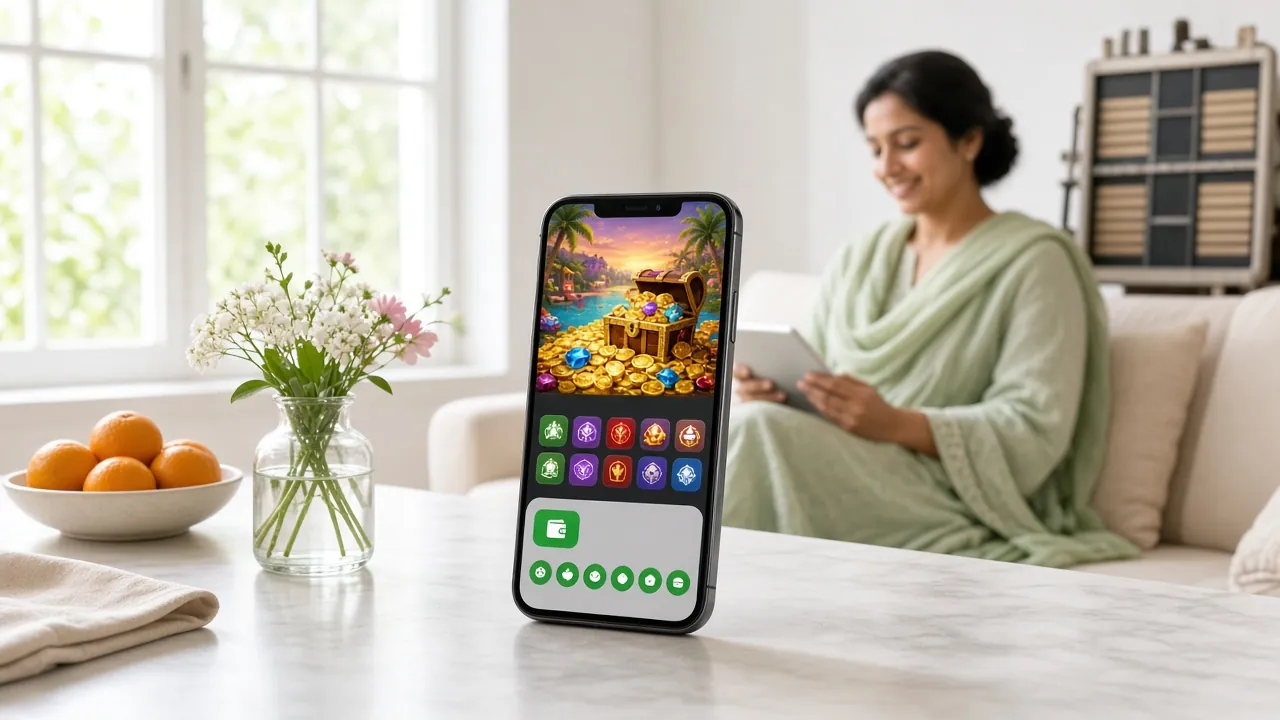
System Requirements & Current Version
Before you install, check that your phone meets these specs. The 999bt app keeps its file size small so it runs on mid-range Android handsets without slowing down your device.
| Specification | Details |
|---|---|
| App version | 3.4.6 |
| File name | 999bt.apk |
| File size | 28 MB |
| Minimum Android version | Android 6.0 (Marshmallow) |
| Last updated | 9 November 2026 |
| Price | Free |
| Language | English / Bangla |
| iOS support | Add to Home Screen via Safari (see below) |
Direct download — no sign-up required to get the file. You will need a 999bt account before you can place bets.
Android 6.0 or higher required. Enable "Install from Unknown Sources" in your phone settings first.
999bt App Security — What the APK Requests and Why
Every permission the 999bt app requests has a specific purpose. It does not access your contacts, photos, or location. Below is what it needs and why.
Internet Access
Required to load the game lobby, connect to live dealer streams, and process deposits and withdrawals through bKash and Nagad. The app does not cache your wallet credentials — all transactions go through encrypted HTTPS channels.
Push Notifications
Used to send you match alerts, bonus activation reminders, and withdrawal confirmations. You can turn these off at any time in your phone's notification settings without affecting your account or gameplay.
Biometric Authentication
Optional. If you choose to enable fingerprint or face login, the app uses your device's secure enclave — it never sends biometric data to 999bt servers. Your password remains the primary login method.
Storage (Minimal)
The app writes a small cache file for faster game loading on return visits. It does not access your photos, documents, or any other folder. Clear the cache anytime from Android Settings > Apps > 999bt > Storage.
The 999bt APK is scanned before each release. If your phone's Play Protect warns about unknown sources, that is a standard Android notice for any APK installed outside the Play Store — not specific to this file. You can re-enable Play Protect after installation. See Privacy Policy for data handling details.
Installing the 999bt APK on Android — Five Steps
-
1
Allow installs from unknown sources
Go to Settings > Apps > Special App Access > Install Unknown Apps (exact path varies by Android version). Find your browser or file manager and toggle "Allow from this source" to on. This one-time setting lets Android accept APK files from outside the Play Store.
-
2
Download 999bt.apk to your phone
Tap the Download APK button on this page. Your browser will save 999bt.apk (28 MB) to your Downloads folder. Keep your screen on while downloading — interrupting a mobile download can produce a corrupt file that won't install.
-
3
Open the file and confirm installation
Tap the completed download notification, or open your file manager and locate 999bt.apk. Android shows an installer screen listing the permissions. Review them, then tap Install. The process takes about 15 seconds on most devices.
-
4
Launch the app and log in
Once installed, tap Open or find the 999bt icon on your home screen. If you already have a 999bt account, enter your username and password. Enable biometric login from the settings screen if you want faster access next time.
-
5
Deposit via bKash or Nagad and start playing
Tap Deposit, choose bKash, Nagad, Rocket, or Upay, and enter ৳200 or more. Funds reach your balance within 1 minute. If this is your first deposit, your welcome bonus applies automatically — check the Promotions tab before you start wagering.
iPhone / iOS Users
There is no native iOS app. The fastest alternative is adding the 999bt website to your iPhone home screen — it behaves very close to a native app.
- Open Safari and go to 999bt.today.
- Tap the Share icon (box with arrow) at the bottom of Safari.
- Scroll down and tap Add to Home Screen.
- Name the shortcut "999bt" and tap Add.
- Open it from your home screen — the site loads full-screen without the browser toolbar, with the same game lobby and payment options.
Note: Push notifications are not available on the iOS home screen shortcut.
What You Can Play Inside the 999bt App
Every game category on the main site is available in the app. The lobby loads in the same layout, with filters for provider and game type. Here are the main areas.

Slots — 4,500+ Titles
Habanero, PG Soft, Red Tiger, FA Chai, and Evolution slots all in one lobby. Filter by RTP or provider. Fan favourites like Treasure Hunt (RTP 97.2%) and Blocky Blocks (RTP 97.6%) load in under 5 seconds on a mid-range phone.
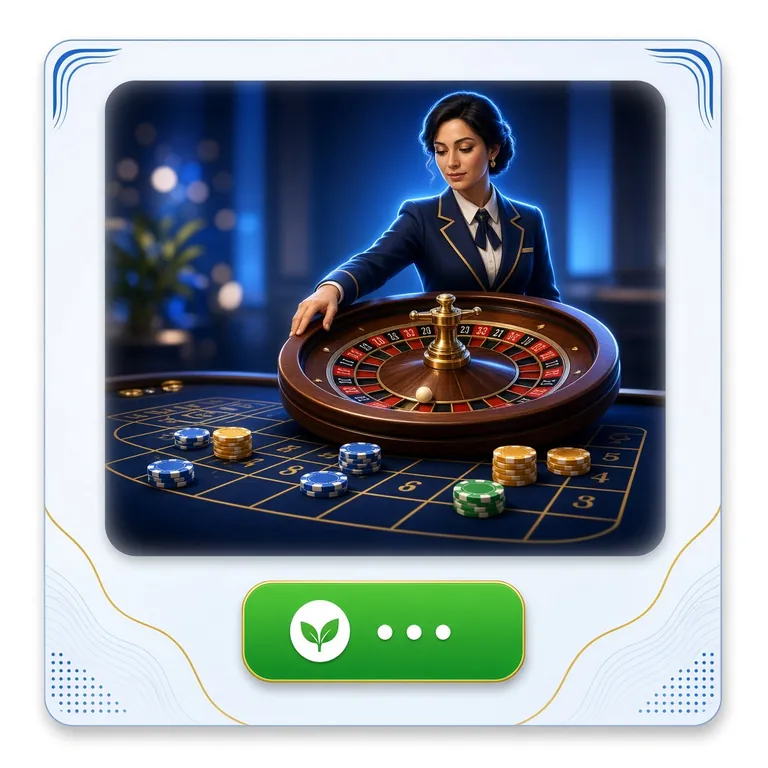
Live Casino — Real Dealers
Evolution-powered live tables stream at high quality even on 4G. Play Baccarat, Roulette, Blackjack, and Andar Bahar with a live host. The app renders the video feed without the browser overhead that sometimes causes stuttering on mobile Safari or Chrome.
Cricket & Sports Betting
Place pre-match and in-play bets on BPL, IPL, T20 Internationals, and ODIs. The app shows live odds that refresh automatically — no need to reload the page. Set push alerts for specific match events like wickets or run milestones.
Crash Games — Aviator Style
Tap to cash out before the multiplier crashes. The app handles the real-time counter more smoothly than a browser tab, with no lag between your tap and the server confirmation. Minimum bet starts at ৳10 on most crash titles.
Teen Patti & Card Games
Traditional South Asian card games sit in their own lobby section. Teen Patti, Andar Bahar, and Dragon Tiger are available in both classic and speed formats. See the Teen Patti guide for strategy tips and table limits.
Bonuses & VIP Inside the App
Your bonus wallet, cashback balance, and VIP tier progress all appear on the app home screen. Claim daily cashback (up to 1.1% for Member tier), check your monthly turnover toward the next VIP level, and redeem reload bonuses without switching to a browser.
Install Problems: Causes and Step-by-Step Fixes
Most APK installation failures come from one of five issues. Match your error message below and follow the fix.
| Problem | Likely Cause | How to Fix It |
|---|---|---|
| "App not installed" error | Corrupt or incomplete download; existing older version conflict | Delete the .apk file and re-download. If an old version is on your phone, uninstall it first (Settings > Apps > 999bt > Uninstall), then install the fresh file. |
| "Blocked by Play Protect" warning | Android Play Protect flags all APKs from outside the Play Store by default — this is not specific to 999bt | Tap "Install anyway" on the warning screen. This option appears after the first warning. Play Protect does not remove the app after installation. |
| App crashes immediately on launch | Android version below 6.0; insufficient RAM (less than 1 GB free) | Check Settings > About Phone > Android version. If you are below 6.0, the app won't run. Otherwise, close background apps, restart your phone, and try again. |
| Cannot find the downloaded file | Browser saved to an unexpected folder; file manager permissions not granted | Open your browser's download history (usually in the three-dot menu > Downloads) and tap the file directly from there. Alternatively, check the Downloads folder in your file manager. |
| Login fails after installation | Caps Lock on username; password recently changed; account pending verification | Use the "Forgot Password" option on the login screen to reset via your registered mobile number. If your account is new, make sure you completed the SMS verification step during registration. |
Still stuck? Open 24/7 Live Chat from the app or the website and share your Android version and the exact error message — support typically responds in under 2 minutes.
Download the 999bt App — Android APK
-
One-tap mobile wallet deposits
Fund your account with bKash, Nagad, Rocket, or Upay in under 1 minute — no copy-paste, no browser redirect.
-
Push alerts for cricket and promos
Get notified when a live match starts, odds shift, or a bonus drops — the browser version cannot do this.
-
Biometric login
Unlock your account with fingerprint or face recognition instead of typing your password every time.
-
Full game library — offline bet-slip drafts
All 4,500 games are available in-app. Write bet-slips offline and submit when you reconnect — your drafts are saved locally.
APK updated 2026-11-09 · Direct download, no app store required. Enable "Install from unknown sources" in Android Settings before installing.
Scan to download
Questions Players Ask About the 999bt App
Answers based on the current version (3.4.6) and Android requirements.
Is the 999bt APK file safe to install?
Why does Android show "Install from Unknown Sources" and is it risky?
How do I update the app when a new version is released?
Can I use bKash and Nagad for deposits inside the app?
The APK downloaded but won't open — what should I check first?
Does the app work on older budget Android phones?
I already have an account. Do I need to register again inside the app?
Ready to Install?
Download takes about 30 seconds on a standard mobile connection. Set up your account and your first deposit can clear in under 2 minutes.
18+ · Play Responsibly · Bangladesh players only